Target Audience Scenarios
"I'm on the train and just thought of a new concept for my Psychology exam. How can I add this to my study list quickly on my phone?"
Solution: The mobile-responsive 'Create' form allows for rapid data entry that saves directly to the device's local storage.
"I've been studying for an hour; how do I know which topics I actually understand and which ones I need to review again?"
Solution: The 'Study' interface includes a 1-5 self-rating system that provides immediate feedback on subject mastery."
Color Schema
Primary Accent: #1600DF (Pure Blue). Used for primary action buttons, active navigation states, and call-to-action elements.
Neutral Dark: #000000 (Black). Used for main headings, branding, and high-contrast text.
Background: #FFFFFF (White). Used for the main canvas and card faces to ensure a minimalist, focused environment.
Typography
Sora
Usage: All Headings and Body Copy.
Reason: Selected for its high legibility on digital screens and modern, minimalist aesthetic. It supports the 'Self-Help' tool vibe by being clean and easy to scan.
- Heading 1: Sora SemiBold 6rem
- Heading 2: Sora Bold 2.5rem
- Body Text: Sora Regular 1rem
Source Code Pro
Usage: Mono-spaced elements, code snippets, and specific UI labels.
Reason: As a monospaced typeface, Source Code Pro provides a distinct visual contrast to the primary font. It enhances the "utility tool" aesthetic of Memo, making technical data and input fields feel precise and organized.
- Sub-Headings: Source Code Pro Regular 1.25rem
- Info Markers: Source Code Pro Regular 0.938rem
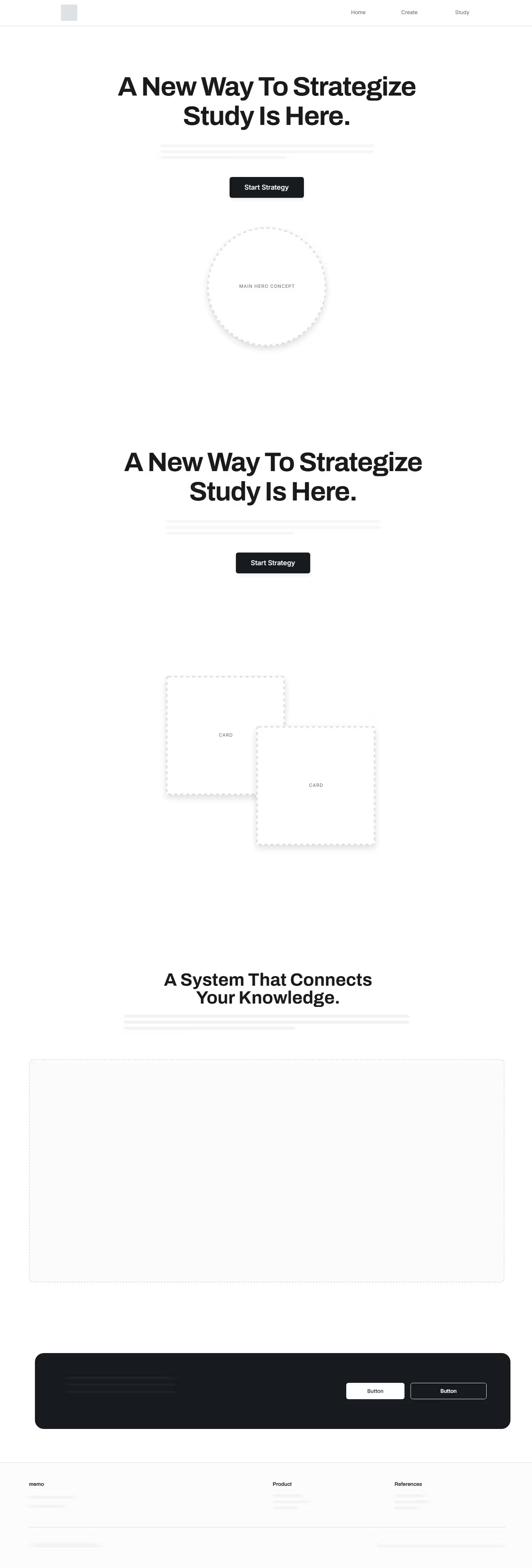
Wireframes